# startmol --help
Usage: startmol [OPTIONS]
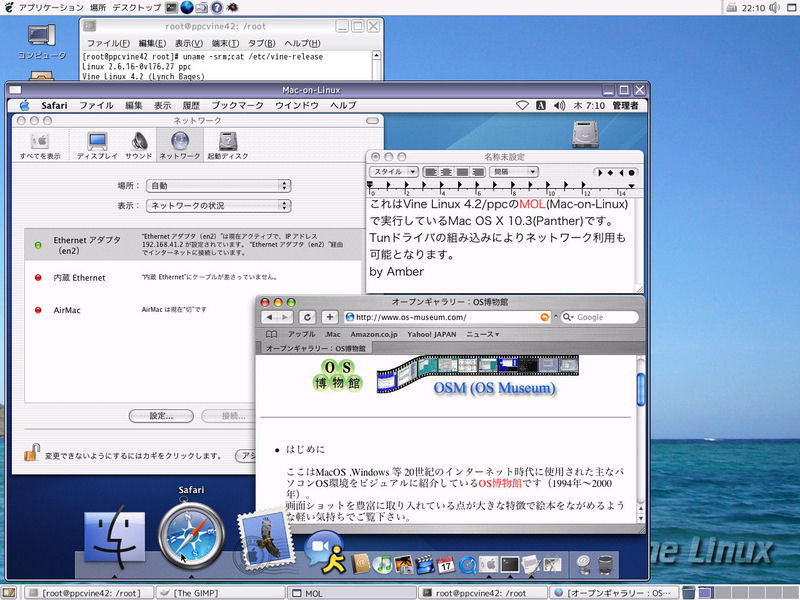
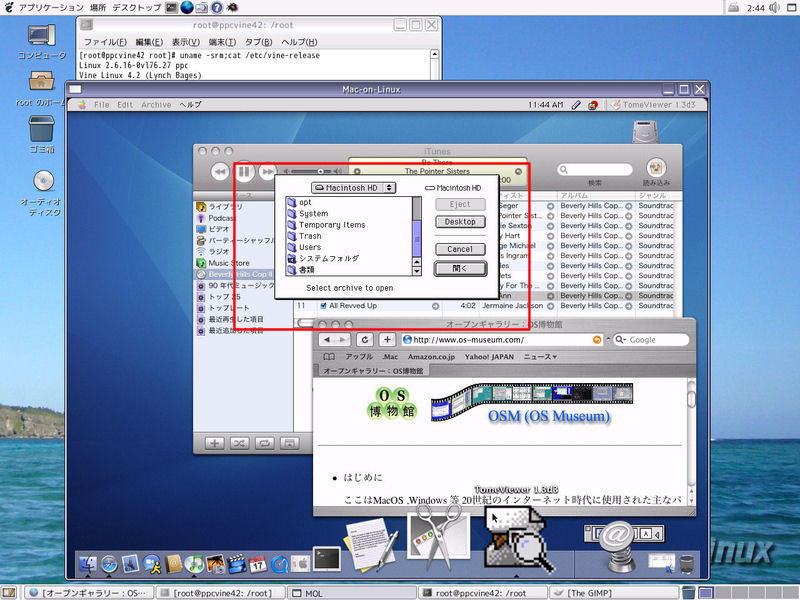
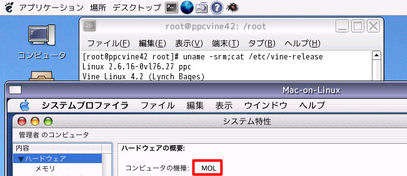
Starts Mac-on-Linux (MOL)

Kernel Module Loading:
  -e,  --exact         require an exact kernel version match
  -a                   allow a small kernel module version mismatch
  -l,  --loadonly      do not start MOL, just load the kernel module(s)
       --list          list available MOL kernel modules

Client OS Selection:
       --test          run self-test and exit
       --newworld      Boot Mac OS (classic) the "newworld" way [default]
       --oldworld      Boot Mac OS (classic) the "oldworld" way
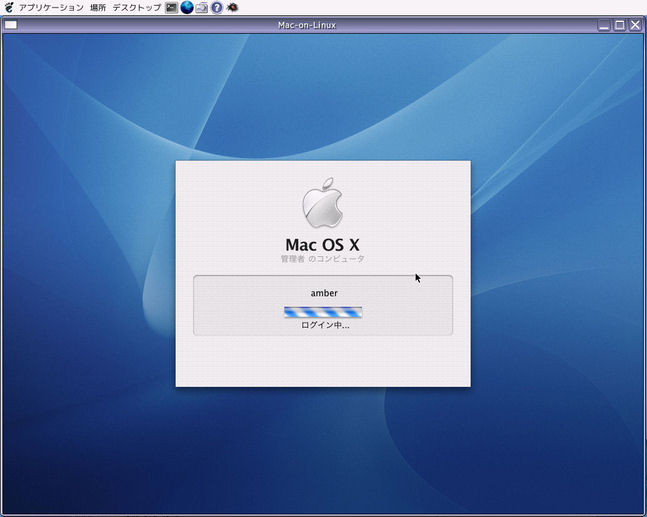
  -X,  --osx           Boot Mac OS X
       --linux         Boot Linux
       --elf=image     run statically linked ELF-image inside MOL

Commonly Used Switches:
       --cdboot        boot from CD (OS must be specified too)
       --keyconfig     start the keyboard configuration tool

Configuration Tweaking:
       --alt           use alternate configuration
  -num --session=num   run as session
       --ram=size      RAM size (in megabytes)
       --config=str    set the 'config' variable to str
       --res=str       add molrc resource (root only)
       --kernel=kernel Specify the linux kernel to be run by MOL

Miscellaneous:
  -h,  --help          display this help text and exit
  -V,  --version       output version information and exit
  -d,  --debug         invoke the MOL debugger
  -x,                  wait for the debugger (moldeb) to be started

Uncommon Options:
       --vt=num        use VT for full-screen video
       --detach        detach TTY
       --datadir=dir   set the MOL data directory
       --libdir=dir    set the MOL library directory
       --zapnvram      clear NVRAM
       --noautoboot    enter Open Firmware (if OF is used)

For more information, please visit <http://www.maconlinux.org>.
|